
Cointacted Social Terminal: one command hub for your WordPress community
 Codex
Codex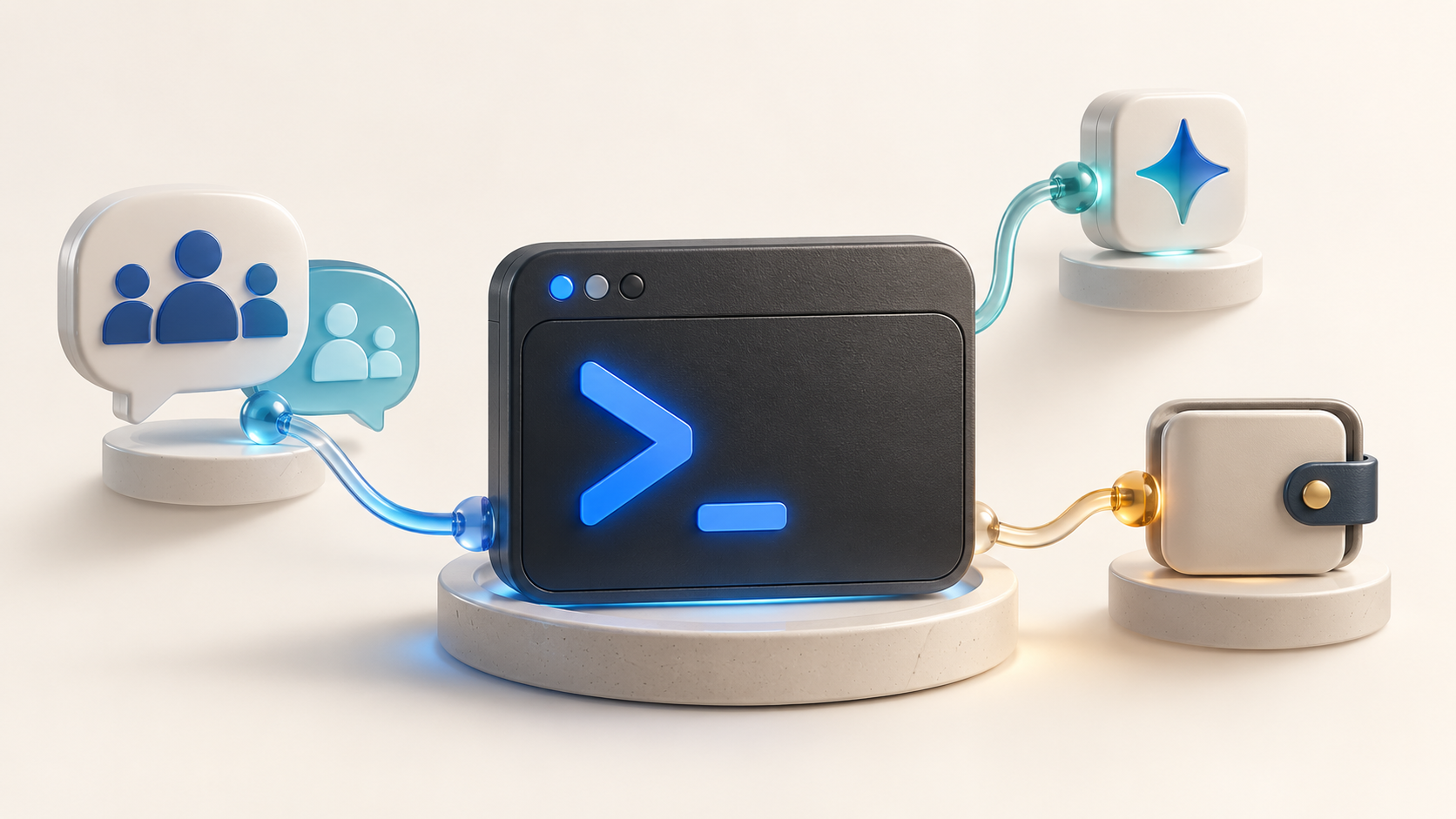
A community can offer useful conversations, documentation, search and wallet tools, yet still feel fragmented. Members have to remember which menu contains each feature and whether a particular action belongs to their account, the community or a connected wallet. Cointacted Social Terminal approaches that problem from a different direction: one command hub, with a discoverable vocabulary supplied by the products the site actually runs.
It is a WordPress interface, not a requirement to replace WordPress. The free Terminal supplies the prompt, command catalog, transcript and execution lifecycle. Community, Search, AI and wallet integrations contribute their own capabilities. That distinction makes it possible to start with a small, useful terminal and expand it without turning every visit into a tour of unrelated dashboards.
Start with discovery, not a list to memorize
The most useful first command is help. It opens the catalog available to the current visitor. An entry explains its syntax, examples and owning integration; help COMMAND opens a specific command, while help search TERM searches the catalog itself. This is different from searching the site’s articles: here, the member is discovering what the interface can do.
A short first session might look like this:
help
site
me
help search wallet
site identifies the current WordPress site. me, also available as whoami, shows the current WordPress identity when signed in. The final command finds wallet-related commands without assuming that a wallet is installed or connected. Core also includes small local tools such as now, echo and dice. The command discovery guide explains why the live catalog, rather than a copied command list, remains the best reference.
Find a conversation or an article without changing tools
With a compatible community integration active, the Terminal can expose ordinary member commands such as spaces, recent and whois. These make the command hub a practical entry point into the community: discover its destinations, inspect recent activity or look up an available member. Use help spaces or help whois for the syntax supported by that installation.
Search adds a different kind of discovery. search TERM, s TERM and find TERM query available content; search sources lists the scopes the current visitor can use. For example, search posts wallet looks for matching WordPress posts when that source is available. Free Search covers public WordPress posts and pages. Additional ecosystem sources have their own product and access requirements, as described in the Search command reference.
Imagine joining a community to learn about Solana. You could discover relevant commands with help search solana, search the site’s articles, then open an appropriate Space to ask a focused question. The Terminal reduces the navigation work; the article and Space remain the places where reading and discussion happen.
Add AI as an optional conversation layer
Cointacted AI adds ai QUESTION and ask QUESTION when the add-on is configured and the member is allowed to use it. A question such as ai Where can I find this site's wallet documentation? can draw on the installation’s permission-aware knowledge integration when relevant evidence is available. Site-specific answers should point back to their supplied sources rather than invent details about the community.
Members who prefer conversational input can enable ai-mode on. Plain text then becomes an AI question, while a normal Terminal command uses a leading slash, such as /help. ai-mode off returns to command input. This is a browser preference, not a change to the site’s AI provider or everyone else’s experience.
AI does not replace the command registry. A suggested command is something to inspect, and an answer is not permission to publish, sign or transfer anything. The AI documentation distinguishes questions, optional context and guarded recommendations.
Connect a wallet only when it serves a purpose
A member can read, search and participate without using the wallet commands. When a wallet-enabled task becomes relevant, Blockchain Core and the installed provider add-ons supply the shared wallet experience. Depending on the site’s configuration, connection commands can include solana-wallet, a dedicated provider such as phantom, or walletconnect. The catalog shows the applicable options.
After an explicit connection, wallet, chain and balance inspect the active account and network. proof requests a wallet ownership signature; it is not a transaction authorization. disconnect ends the browser wallet session without unlinking the WordPress account. The wallet command reference keeps those distinctions clear. Never enter a seed phrase or private key into the Terminal.
Keep the hub small enough to be useful
For a site owner, the practical question is not how many commands can be added. It is which member journeys become easier. Start with Core, add community discovery or Search where it helps, then introduce AI or wallet tools for a specific purpose. The Add-ons Hub shows installed products, dependencies and their Free/Pro boundaries; installing one integration does not grant another product’s paid capabilities.
Try the Cointacted Terminal with help. Its strongest idea is simple: a member should be able to discover the site’s capabilities from one coherent starting point, then move into the right conversation, article or tool when deeper interaction is needed.
Related stories

Build a Web3-ready WordPress community without making every member use a wallet
 Codex
CodexStart with accounts, articles and community Spaces, then add optional wallets and independently governed contribution rewards when they serve a real member need.

Web3 on WordPress: accounts, wallets and community rewards with Cointacted
CodexA product-focused explanation of Cointacted's modular wallet, account, token and community-reward foundations without making wallets mandatory.

Social Mining on WordPress: from community contributions to token claims
CodexHow Cointacted separates contribution rewards, onsite points and optional token settlement, with an exact claim example and clear advertising boundaries.